How to add Hreflang tags to Webflow?

.avif)
.avif)
.avif)
.avif)
When a website is only available in one language, this is specified directly in the HTML document's header. For a French site, for example, the "lang='fr'" tag is found in the document type.
For a site with multiple versions in different languages, this "lang" attribute is no longer sufficient. This is where hreflang tags come into play!
In this article, we will explore what hreflang tags are and how to integrate them into your multilingual Webflow site.
I. What is an hreflang tag?
The hreflang tag is an HTML element used to tell search engines the language and location of a web page. It is used for multilingual sites or sites that offer content specific to a region or country.
The hreflang tag is placed in the header section of an HTML page. It uses a standardized language code and a country or region code to specify the language and location.
These tags are a good practice for optimizing SEO because they allow search engines to more easily understand the language of your pages. This way, your pages are better ranked for queries in foreign languages.
You are therefore better positioned to reach your target audiences.
From a technical perspective, hreflang tags should be placed on your page links. Here are some examples of coded hreflang tags:
<a href="https://example.com/page-en.html" hreflang="en">English Version</a>
<a href="https://example.com/page-fr.html" hreflang="fr">Version française</a>
Here, the "hreflang='en'" tag signals to Google that the target of this link is an English page. Conversely, the "hreflang='fr'" tag sends the signal that the page will be in French.
II. How to integrate hreflang tags on my Webflow site ?
With Webflow, direct access to the HTML code of buttons and links generated with the tool can be complicated. Since it's a no-code tool, we also want a no-code solution !
That's why we recommend using multilingual site management tools, such as Weglot.
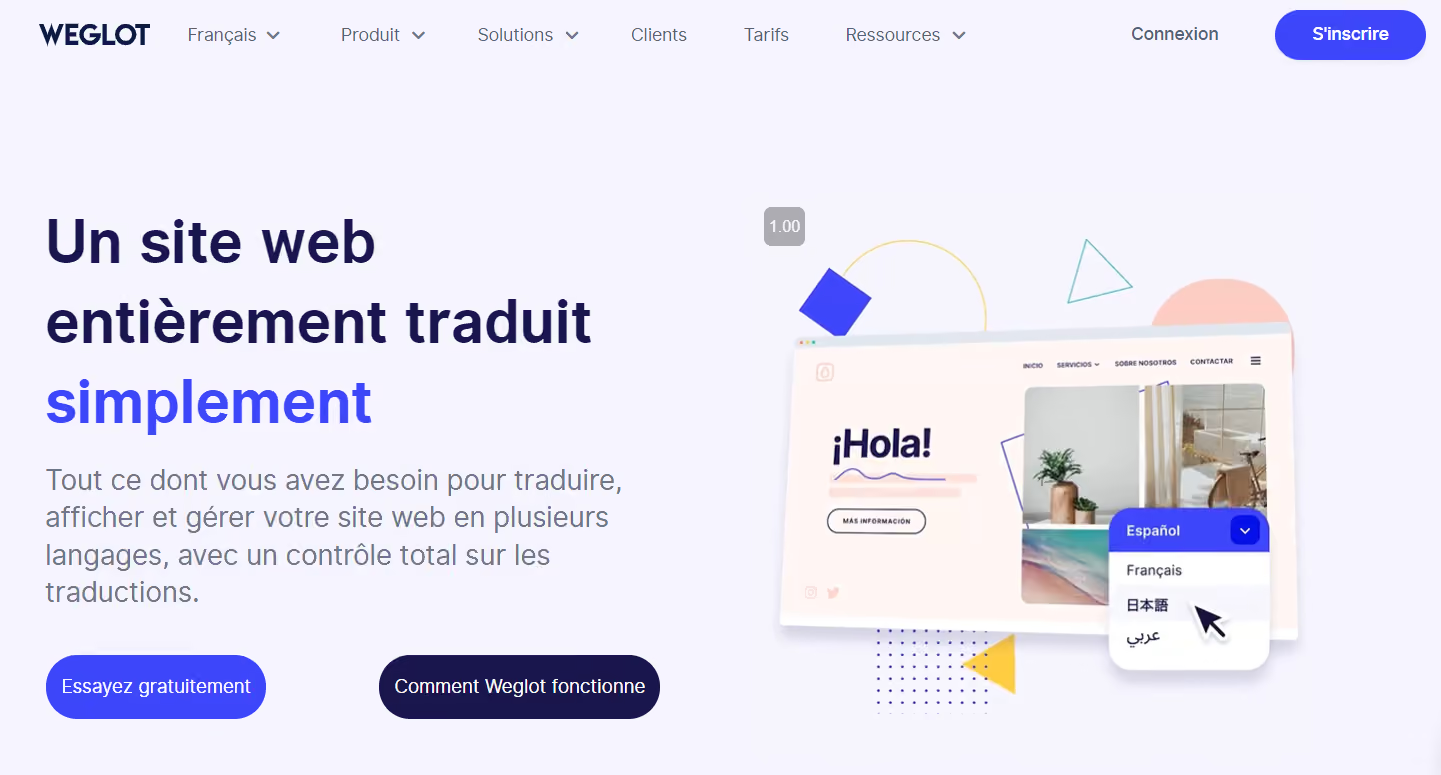
Weglot uses automatic translation algorithms to translate your website content into different languages. This tool can automatically detect and translate static text as well as dynamic content generated by your CMS.
Weglot features an automatic language detector that identifies visitors' preferred language. Weglot therefore implements hreflang tags to ensure proper indexing and optimal visibility in search engines.
Weglot offers a free version to test the tool, limited to one additional language and 3,000 translated words. After that, you'll need to subscribe to a plan:
- €15 per month for the Starter version : 1 language and 10,000 translated words
- €29 per month for the Business version : 3 languages and 50,000 translated words
- €79 per month for the Pro version : 5 languages and 200,000 translated words
With this tool, your hreflang tags will be correctly configured without needing to directly modify your page code.
III. How to check if the tags on my Webflow site are correctly configured?
To check if your hreflang tags are correctly configured, you can use tools like Hreflang Checker.
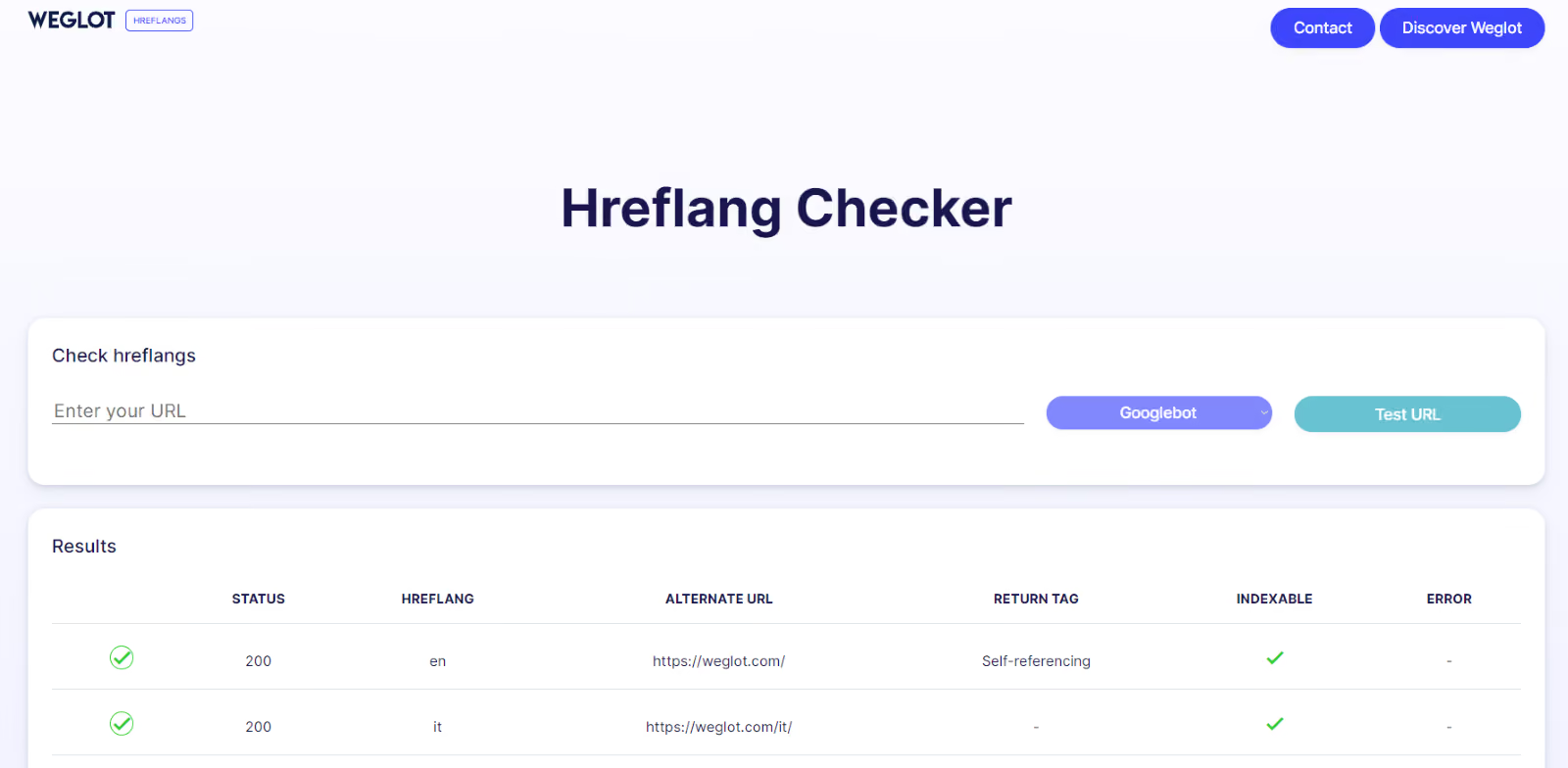
Hreflang Checker allows you to test URLs to see if hreflang tags are correctly configured.
By entering the URL of the page to be tested into the tool, you will get an overview of the detected tags and potential errors.
In the example above, the tool correctly identified the "en" and "it" hreflang tags, which correspond to the English and Italian pages. A 200 status means that the tags contain no errors and search engines perfectly assimilate the information.
This fast and free tool is therefore ideal for testing the implementation of your foreign language pages.
Congratulations, you now know what an hreflang tag is, how to configure it on your Webflow site, and how to test it. This will improve the user experience for visitors to your site, regardless of their preferred browsing language.
This also significantly improves your organic search ranking for targeted queries.
The The hreflang tag, however, is only one part of a website's SEO optimization. To take it a step further, conducting an in-depth analysis of your site helps reveal other areas for improvement and potential errors.
For more information on SEO, we invite you to explore all our tips in our complete guide to SEO.
Also check out our many tutorials and tips on creating websites on Webflow!

See also our other articles
Discutons de vos besoins
Vous cherchez une agence de confiance pour votre projet ? Contactez-nous et découvrez comment nous pouvons vous aider