The Best No-Code Apps of 2026

.avif)
.avif)
.avif)
.avif)
Digital technology is now ubiquitous in both our personal and professional lives. We often seek to automate and save time when performing numerous tasks and actions.
As a result, so-called "no-code" tools (smart and pre-programmed) have become increasingly popular in recent years. They assist us with various tasks, including website creation, data management, and process automation.
Today, there are numerous "no-code" applications (also referred to as "no-code" or "nocode"), which are powerful in their respective fields.
These applications free the user from the need to write code themselves.
Thus, they make IT development accessible to everyone and save developers time.
These applications are very popular, and new tools are created every day. It can therefore become difficult to select the applications that best suit our needs.
This is why we will present here the most effective tools in each category! For each of these tools, we offer a brief overview of its utility and a summary of its advantages in a few points, before mentioning its price.
I. Webflow / Best no-code app for building a website
Webflow is a highly versatile and powerful Content Management System (CMS). A CMS aims to help with the creation and management of a website.
Unlike some competitors (WordPress, Squarespace, or Wix), Webflow offers many native options (directly integrated). Thus, Webflow sites boast significantly faster loading speeds, because they don't require the use of numerous plugins that overload the code (auxiliary programs needed to perform specific tasks).
Webflow's "drag-and-drop" functionality makes it very easy to get started with, even for a novice. Editing a site once it's published is also easy thanks to its simple and intuitive interface.
Webflow offers great freedom for designers and allows you to build an entire website from scratch.
Using Webflow means enjoying its various benefits:
· Ease of use
· Automatic weekly maintenance
· Fast and secure Amazon hosting
· Creative freedom
· Responsive customer support
Webflow offers a free version that gives you full access to project creation. This version includes automatic hosting on a high-quality domain.
A version starting from €19 per month will allow you to create more sites and to host them on a domain you own.
To learn more about this tool, we invite you to read our comprehensive guide to Webflow!
II. Bubble / Best no-code app for creating a web application
Bubble.io is a tool that allows you to create a web application without a single line of code. Its philosophy is to help entrepreneurs test their ideas on the market as quickly as possible.
Bubble therefore helps you build a Minimum Viable Product (MVP) and thus have a functional prototype quickly, without needing to rely on development teams.
This tool features a Workflow system for generating interactions. A Workflow corresponds to an action and its expected reaction. For example, by pressing the "Add to cart" button, a product from an e-commerce application will be added to the user's cart.
Thanks to its Workflows, Bubble is the best tool for creating applications that require logical interactions. For example, order taking or online bookings.
However, to offer you such freedom and efficiency, the code for pages generated by Bubble is less optimized. Longer loading times will negatively impact your product's natural search engine ranking on Google.
In summary, Bubble offers:
· Rapid and intuitive creation of application prototypes
· Great flexibility in the features offered
· Easy-to-understand spreadsheet-style data management
· Many plugins to integrate your chosen options
Bubble offers a free version to build your project and learn to use the tool. To launch your application, the paid version at €29 per month will be necessary.
III. Adalo / Best app for building mobile applications
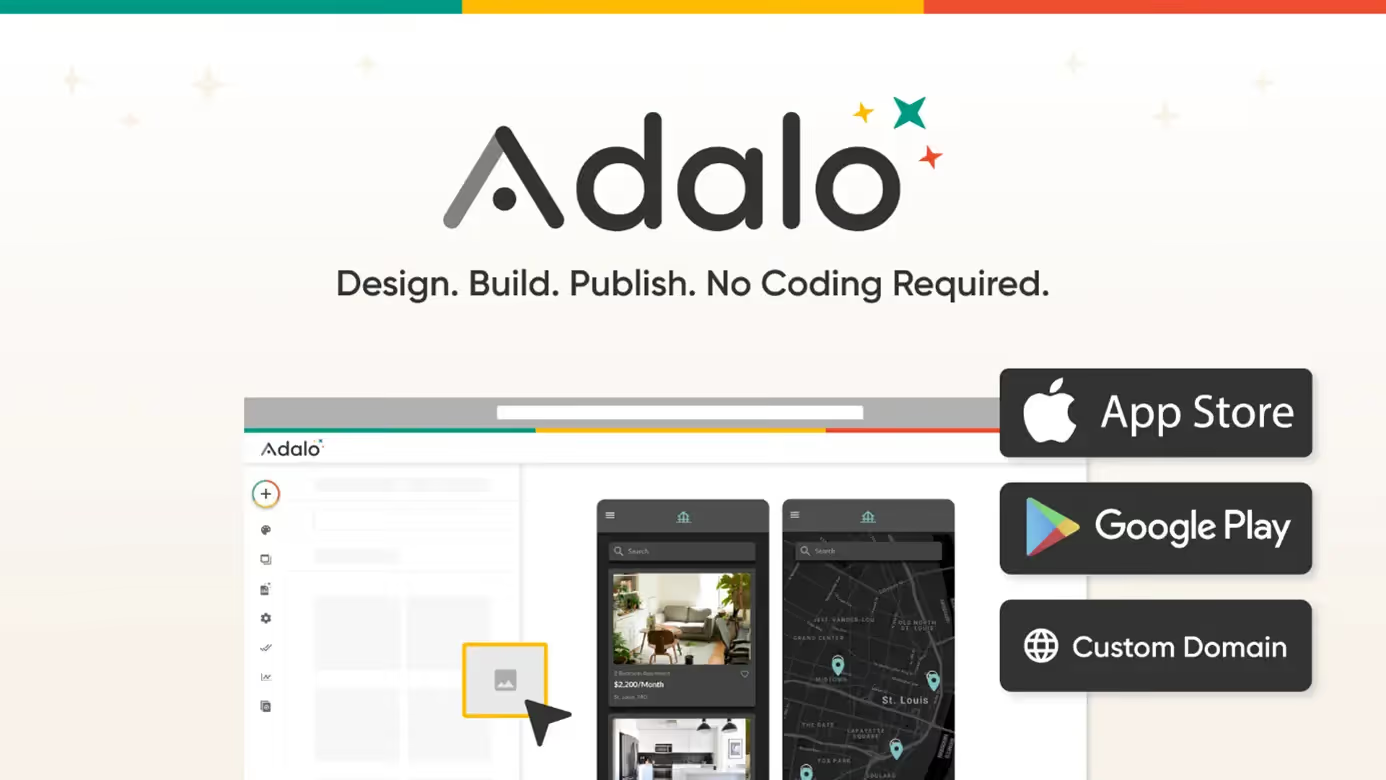
Adalo is a no-code tool that allows you to create mobile applications without needing to code. Its main advantage is the development of functional applications on both iOS and Android.
Typically, it is necessary to develop applications for both platforms. With Adalo, your application can be available on both the App Store and Google Play directly.
Adalo offers two methods for building an application:
using a template or having complete freedom to add elements.
- An existing template offers the advantage of including all the necessary information right out of the box. You'll only need to adjust the aesthetics to create a personalized application that truly reflects your vision.
This method is the simplest and fastest as it frees you from the time spent on designing your project.
- The second option is the complete construction of your application, element by element. While more time-consuming and potentially more complex, this method nevertheless allows you to create an application over which you have full control.
This option is recommended if you have some technical skills and if you want a result that more closely matches your vision. You can then fully customize the design and add exactly the features you want.
In summary, Adalo offers several advantages:
· A tool specifically dedicated to mobile application development
· Creates applications available on both iPhone and Android
· Many templates available to get started quickly
· Seamless connection with external databases like Airtable
Adalo offers a free version to test the software and build a first application. To publish your application, you will still need to upgrade to a paid version, which starts at €45 per month.
IV. Airtable / Best database management app
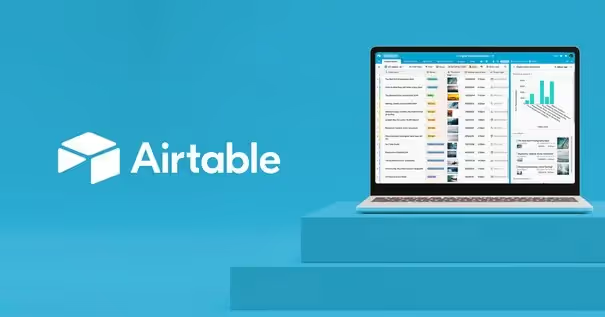
Airtable is a no-code data management tool. It is useful in many areas, whether for a CMS (like Webflow, which works very well with Airtable), to create spreadsheets, or for project management.
Similar to a Google Sheets or Excel document, this collaborative tool will allow you to manage and share data with your colleagues. All this, still without a single line of code!
Airtable has an external database. This allows you to work on your data and visualize it in a more visual and image-rich environment than a CMS. Airtable also has the advantage of connecting to numerous applications to create automations.
Intuitive and accessible, Airtable is user-friendly once you get the hang of it. Try it, you'll love it!
Airtable's advantages are:
· Simplified and visual data management
· Extensive connectivity with other applications, especially Wefblow
· An intuitive platform for project management
· A mobile app to easily access your data,
wherever you are
Airtable is also largely available for free! Limited to 5 users on the free plan, you'll still have access to a wide range of features. The paid version, at €10 per month, offers more storage space and an increased user count.
V. Make / Best automation app
Make is a no-code automation tool. Its purpose is to connect the various applications you use to create linked and shared actions. While less popular, it's significantly more powerful than its competitor Zapier, Make communicates with an astronomical number of tools.
Make enables the creation of workflows based on a system of triggers and reactions. Each workflow will therefore have a trigger and a series of actions to execute.
For example, a workflow could proceed as follows:
1. You add a new team member to your
Human Resources file.
2. Your website automatically updates to add this person to your teams.
3. An email is automatically sent to all team members in the relevant department to announce the arrival of a new colleague.
Make can therefore fully automate a process by connecting your email inbox, your CRM, your website, and your internal data. No more repetitive and time-consuming tasks: thanks to Make, you'll never do the same thing twice again!
To summarize, Make's advantages are:
· A vast number of compatible applications
· Its user-friendly interface
· The ability to configure action frequencies
· The ability to connect your own APIs
Make has a generous free version allowing you to automate up to 1,000 operations. To increase this number and upgrade to 10,000 operations per month, Make offers an entrepreneur version that costs €9 per month (the cheapest option).
VI. Figma / Best web design app

Figma is our favorite no-code application for creating website designs
and applications.
Figma is currently the most popular tool for web design
because it is intuitive, easy to use, and offers great
freedom to creatives.
By using a simple "drag-and-drop" system, Figma enables the rapid creation of brand guidelines and visual mock-ups. Figma offers
the ability to work on different "Frames," which represent the sizes
of the most popular screens.
This tool thus enables efficient work on a "responsive" design, meaning it adapts to different computer and phone formats. By creating "components," you can build reusable elements across your entire project, such as a button,
text, a navigation bar, or even a footer.
Due to its widespread popularity, Figma benefits from an active community that develops numerous plugins. These programs allow you to access specific functionalities that match your needs.
The advantages of Figma are:
· Quick and intuitive to learn
· Great creative freedom
· Plugins for specialized actions
· Integrated tools for creating "responsive" designs
Figma offers a free version that includes a wealth of features and offers up to 6 shared pages.
For working on more projects, a €12 version offers an unlimited number of projects.
To get a more in-depth overview of this tool, we invite you
to read our complete guide on Figma!
VII. Frequently Asked Questions
1. What is a no-code tool?
A no-code tool (also "no-code" or "nocode") is software for creating digital content, without requiring programming knowledge. This way, you can build a website without knowing how to code or automate tasks very simply, in just a few clicks!
2. Why use a no-code tool?
No-code tools make website creation and automation accessible to everyone. In the hands of a developer, these tools will allow them to increase productivity and complete projects faster.
3. What is the difference between no-code and low-code?
A no-code tool is software that requires no lines of code. A low-code tool, on the other hand, assists a developer with their tasks. However, the latter will still require programming knowledge for effective use.
You now have all the tools to bring your dream digital project to life!
The next step will be to increase the visibility of your newly developed application or website. We invite you to read our article on search engine optimization (SEO) if you'd like to learn more about it!

See also our other articles
Discutons de vos besoins
Vous cherchez une agence de confiance pour votre projet ? Contactez-nous et découvrez comment nous pouvons vous aider