Everything you need to know about Figma plugins

.avif)
.avif)
.avif)
.avif)
I. What is a Figma Plugin?
1. What is Figma?
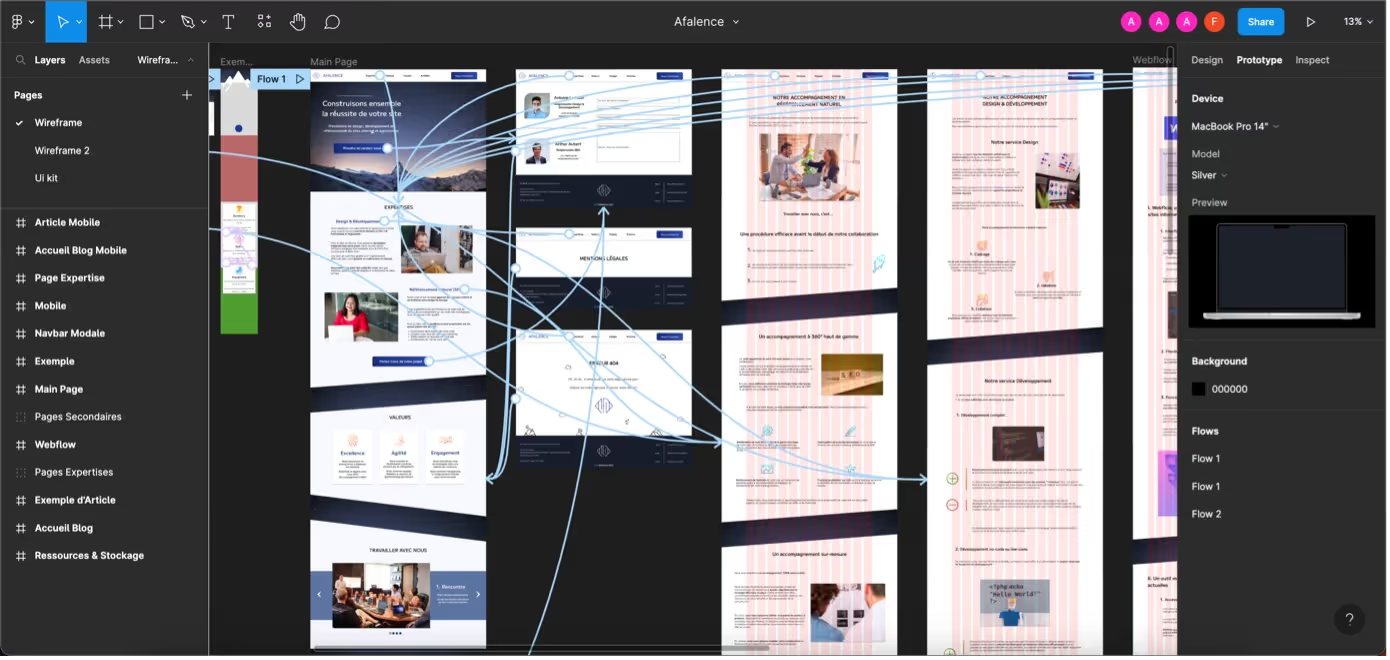
Figma is now recognized as the most comprehensive and powerful tool for creating website and application mockups. If you're not yet familiar with this tool, we invite you to read our article on what Figma is and its benefits, or our complete guide to effectively using Figma.
The community of professionals and individuals who work daily with Figma is one of the tool's greatest strengths. This community constantly contributes to its improvement and evolution, particularly through the creation of plugins.
2. What is a Plugin?
A plugin is an auxiliary program that any user of a tool can utilize to enhance their experience or perform a specific task.Plugins are therefore highly specialized modules that enable precise actions that would otherwise be tedious or incomplete with the main tool in its current version.
In the vast majority of cases, plugins are free and open source, created by the community for the community.

3. What are plugins used for?
Plugins are used to perform tasks that would usually be time-consuming or complicated in an efficient and optimized way without leaving the tool you're working on. They significantly contribute to the productivity and freedom of a tool's users.
Here's an example to illustrate the usefulness of plugins in Figma:
A UI designer who wants to create a website mockup with many photos needs access to beautiful, royalty-free images. Figma does not have a native (built-in) image library.
To avoid having to search for images online, the designer can use a plugin that gives them access to large quantities of images directly within Figma. In this scenario, Unsplash would probably be the plugin to turn to.

II. How to use a plugin in Figma?
1. How to install a Figma plugin?
Installing a plugin is extremely easy. In fact, it's very often unnecessary to install the plugin because it can be used directly from Figma. As a result, everything can be done directly within your Figma interface. You can access the various plugins you've already used via the main menu:

You can also access the plugin search tool directly from the Figma toolbar, as shown below.

Once you've found the plugin you want to use, simply click "Run" to launch it. It usually takes a few seconds for the plugin to start correctly.
2. Usage
Once the plugin is launched, a modal (foreground window) opens, allowing you to freely use the selected plugin. In some cases, the plugin will integrate directly into your Figma interface.

When you use a plugin, it will close immediately after use. This allows you to stay focused on the current task and maintains good visibility of the workspace, without cluttering your screen.
Tip: The keyboard shortcut to instantly reuse the last plugin is:
- On Mac: Opt (⌥) + Command (⌘)+ P
- On PC: Ctrl + Alt + P
We hope this article has helped you better understand what a plugin is and how to use plugins in Figma.
To continue your learning, we have compiled a top 10 essential Figma plugins.
You can also contact us directly to speak with an expert.

See also our other articles
Discutons de vos besoins
Vous cherchez une agence de confiance pour votre projet ? Contactez-nous et découvrez comment nous pouvons vous aider